Google AI Edge Eloquent: Free Offline Dictation That Turns Messy Speech Into Polished Text
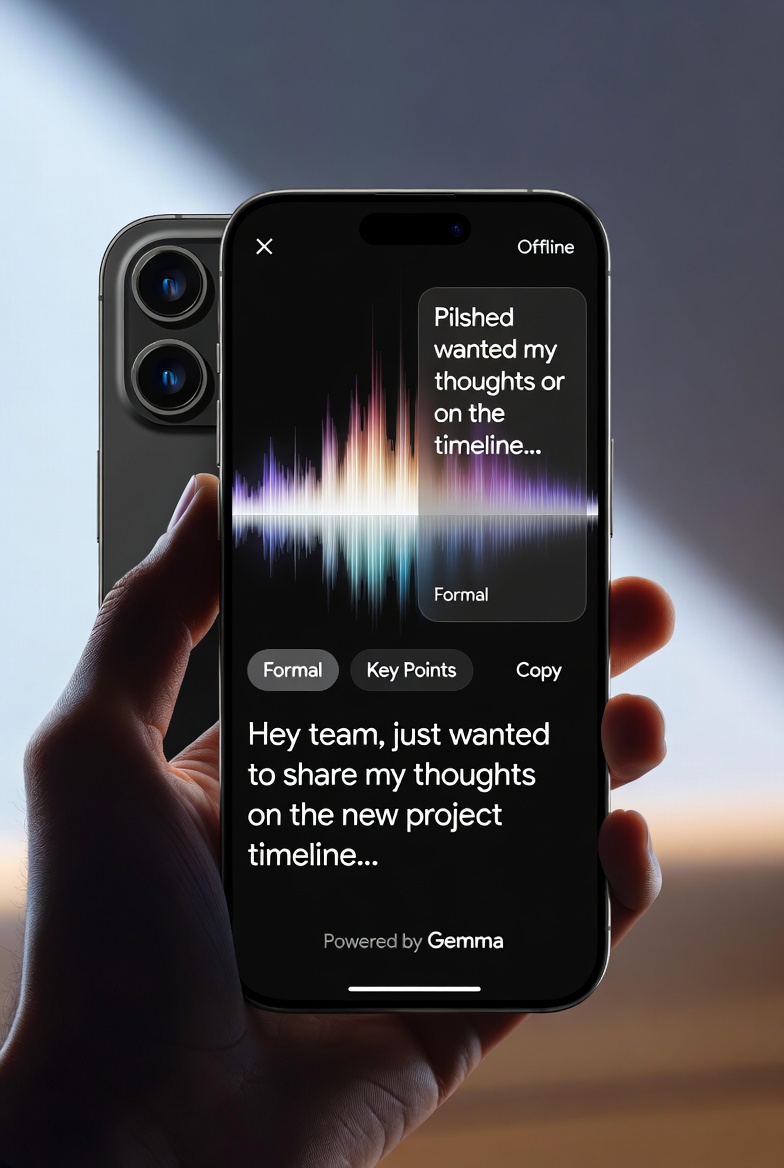
Imagine speaking your thoughts freely and watching them turn into clean, polished text — no typing, no “ums,” no internet needed. Sounds almost too good to be true? Google just made it real with its brand-new offline AI dictation app.
Whether you’re drafting emails on a flight, jotting notes in a low-signal area, or simply want to work faster, this free tool changes everything. In this blog, we’ll explore what Google AI Edge Eloquent is, how it works, and why it’s quickly becoming a favourite for busy professionals.
What Is Google AI Edge Eloquent, and Why Did Google Launch It?
Google AI Edge Eloquent is a brand-new dictation app built for iPhone users who want fast, private, and accurate speech-to-text. It runs on powerful on-device AI models called Gemma. You download the models once, and then everything happens right on your phone.
Google released it quietly, no big keynote, no press event. The app simply appeared in the App Store. That tells you Google wants real users to test it fast. The goal? Show everyone that on-device AI can finally match (or beat) cloud tools without needing constant internet.
How Does This Offline AI Dictation Tool Actually Work?
You open the app, hit record, and start talking. A cool waveform dances on screen while it transcribes live. Pause or stop speaking, and boom, the AI cleans everything up instantly. It removes filler words, fixes stumbles, and smooths out your thoughts. Then it copies the polished text straight to your clipboard so you can paste it anywhere.
Want it even better? Flip on the optional cloud mode, and Gemini gives the text an extra polish. But the real magic happens offline. No data leaves your phone unless you choose to let it.
What Standout Features Make Google’s AI Dictation Tool App a Must-Try?
This isn’t basic voice typing. Here’s what you actually get:
- Live Transcription With Real-Time Waveform: See your words appear as you speak.
- Smart Cleanup: Automatically kills “um,” “ah,” repeated words, and mid-sentence corrections.
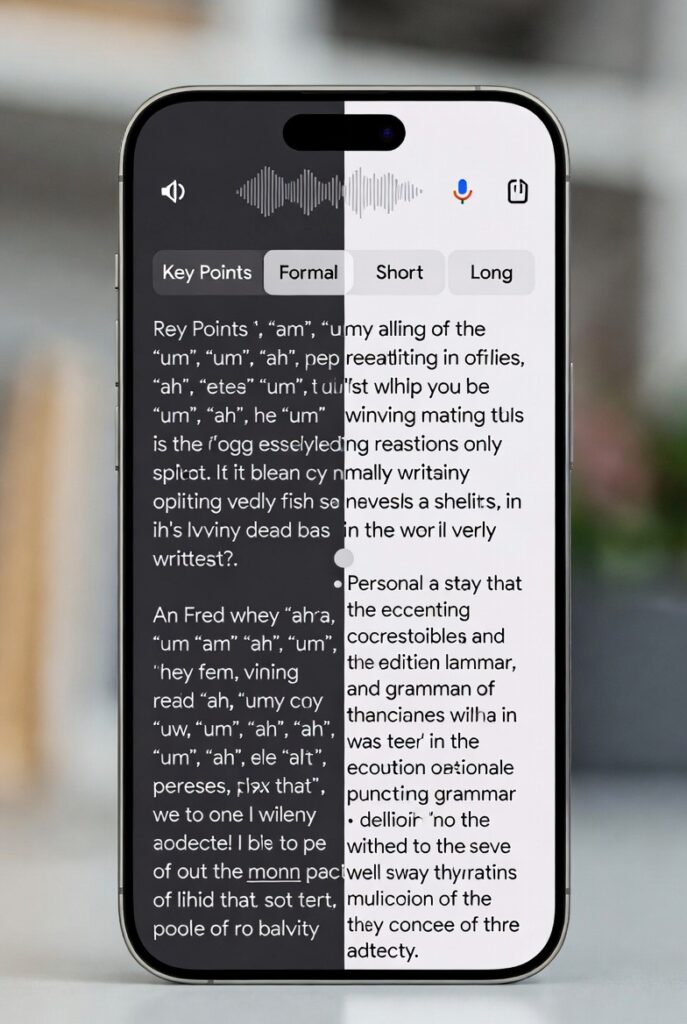
- Text Transformers: Turn your raw speech into “Key points” bullets, “Formal” business tone, “Short” summary, or “Long” detailed version.
- Auto Copy To Clipboard: Stop talking and your finished text is ready to paste.
- Personal Dictionary: Add names, slang, or industry jargon. Sign in with your Google account and it even pulls recent words straight from your Gmail.
- Full History Tab: Every session saved, searchable, with stats like words per minute and total word count.
- Offline Toggle: One switch keeps everything 100% on-device for maximum privacy.
You get all this for free with zero usage limits. No subscription, no hidden costs.
Why Does Offline AI Dictation Tool Matter So Much Right Now?
AI Dictation Tool
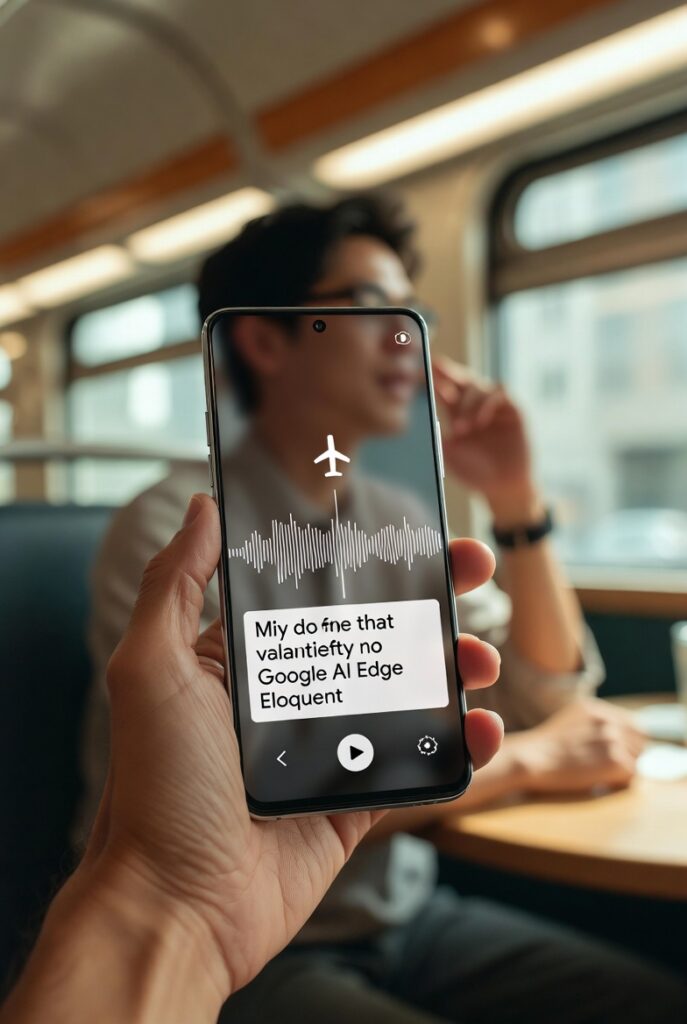
Imagine, You’re on a plane, in a subway tunnel, or out in the countryside with zero bars. Most dictation apps die. Eloquent keeps working perfectly.
Privacy fans love it too. Your voice never travels to Google’s servers in offline mode. That’s huge if you dictate sensitive notes, client calls, or personal ideas. Speed is another win, no waiting for uploads or downloads. The app feels instant on regular iPhones.
Business users, students, writers, and busy parents all gain hours back. Talk your thoughts, get clean text, move on.
Who Should Download Google AI Edge Eloquent Today?
- Writers and content creators who dictate first drafts while walking or driving.
- Professionals who need polished meeting notes or emails without typing.
- Travelers stuck without reliable internet.
- People with typing struggles or accessibility needs — speech becomes their superpower.
- Privacy-conscious users tired of apps that send everything to the cloud.
Basically, anyone who speaks faster than they type will smile the first time they try it.
How to Get Started With Google’s Offline AI Dictation App in Minutes
- Open the App Store on your iPhone.
- Search “Google AI Edge Eloquent” or tap the direct link.
- Download for free.
- Open the app and let it download the Gemma models (one-time step, works over Wi-Fi).
- Start talking — no sign-up required, though signing in unlocks the Gmail dictionary trick.
Pro tip: Test it with a quick voice note first. You’ll be amazed how clean the output looks.
How Does It Compare to Other Voice Dictation Apps?
Paid apps like Wispr Flow, SuperWhisper, and Willow do similar tricks, but most need internet or charge monthly. Eloquent gives you the same (or better) quality completely free and offline.
Traditional phone dictation often keeps every “um” and sounds robotic. Eloquent actually understands your intent and sounds like a real editor cleaned it up. The custom dictionary feature also beats most competitors because it learns your personal style fast.
What’s Next for Google AI Edge Eloquent?
Google already hints at an Android version coming soon. On Android it could become your default keyboard with a floating dictation button everywhere. That would make it system-wide, not just one app.
The team also built it under the “AI Edge” banner, which means more on-device AI tools are on the way. This quiet launch feels like the start of something big.
Ready to Ditch Slow Typing Forever?
Google AI Edge Eloquent proves you don’t need constant internet or expensive subscriptions for top-notch dictation anymore. It’s fast, private, smart, and completely free. The offline AI dictation tool you’ve been waiting for is finally here — and it works beautifully on your iPhone today.
Grab it now from the App Store and start talking your way to better productivity. Your fingers (and your data) will thank you. What will you dictate first? Drop a comment and let us know!
Enjoyed This? Let's Make Your Content This Good.
I craft SEO content, brand copy, and strategies that drive real results. Let's talk about your brand.